Kiosk
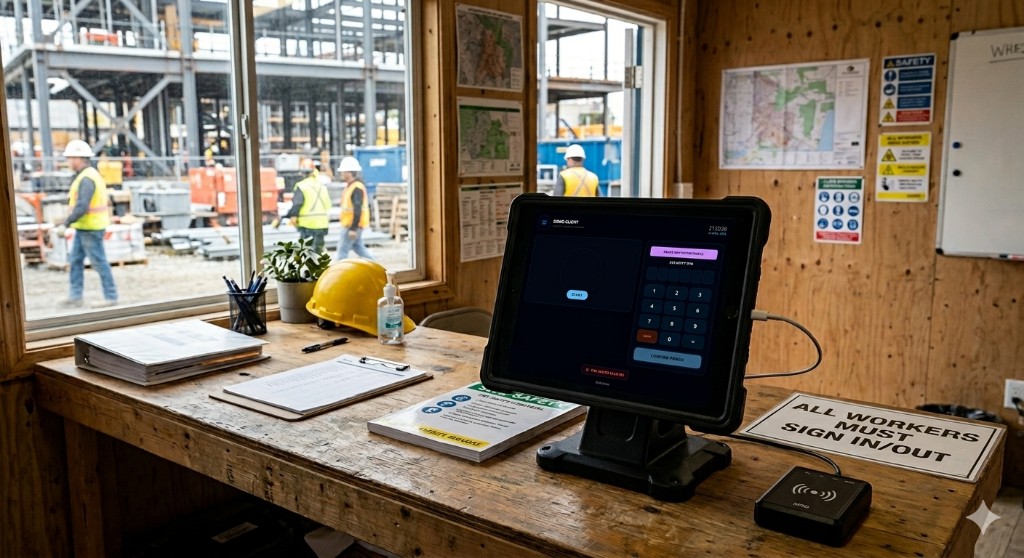
The kiosk in your site office
Facial recognition
When your company turns it on, each punch can require a live face match to the photo on the worker's profile — on top of their PIN — so shared tablets stay trustworthy. Enrolment is just the profile photo admins or operators already maintain; the kiosk walks people through verify + PIN in one flow.
Setting up new users
New starters do not need an app install: you add them in admin (or they request access through self-registration, if you enable it), set their PIN and photo, then they walk up to the kiosk like everyone else. Optional printed QR codes from Admin → Keypad Login get them to the right company keypad on their own phone if you prefer induction away from the shared tablet.
Fire roll call and who's on site
Every sign-in and sign-out updates attendance in real time, so the office sees who should be on site right now — the same truth you'd use for an evacuation roll call or head count. Pair that with GPS-stamped punches and your dashboard view of per-site presence, and you are not relying on a paper book at the gate.